
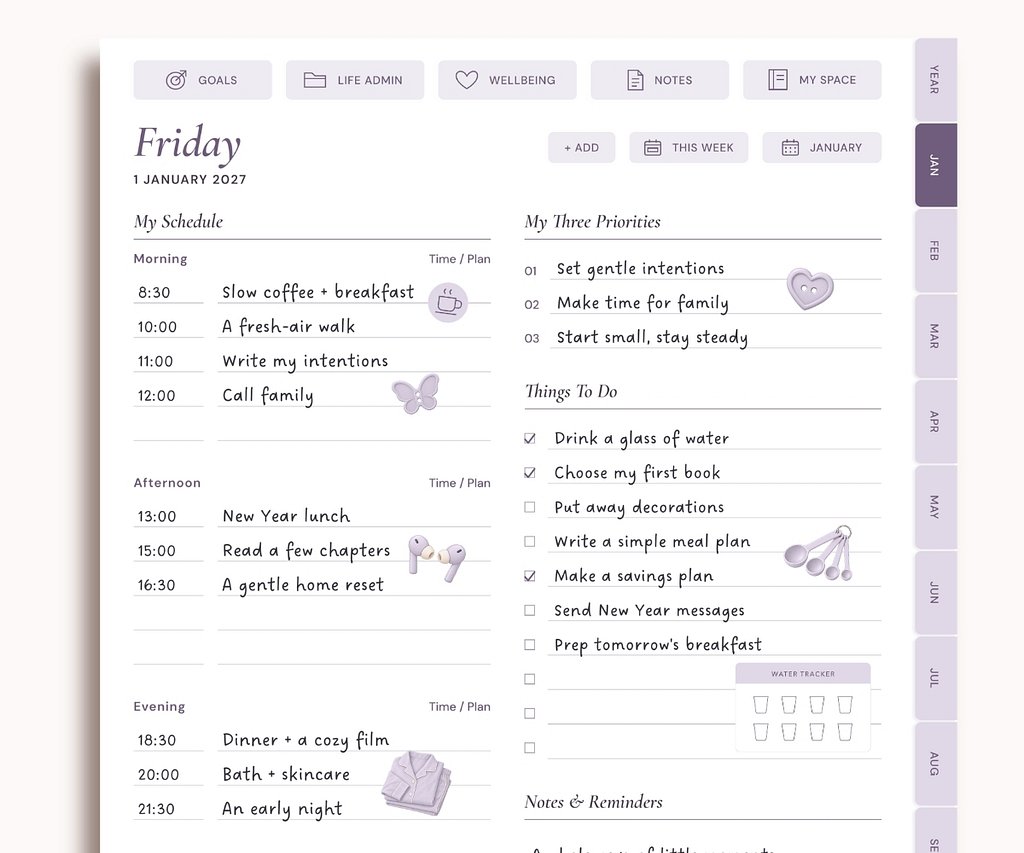
Plan your day
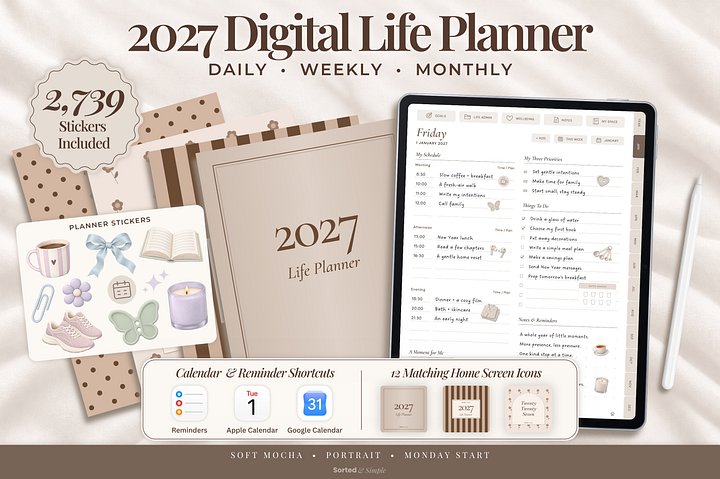
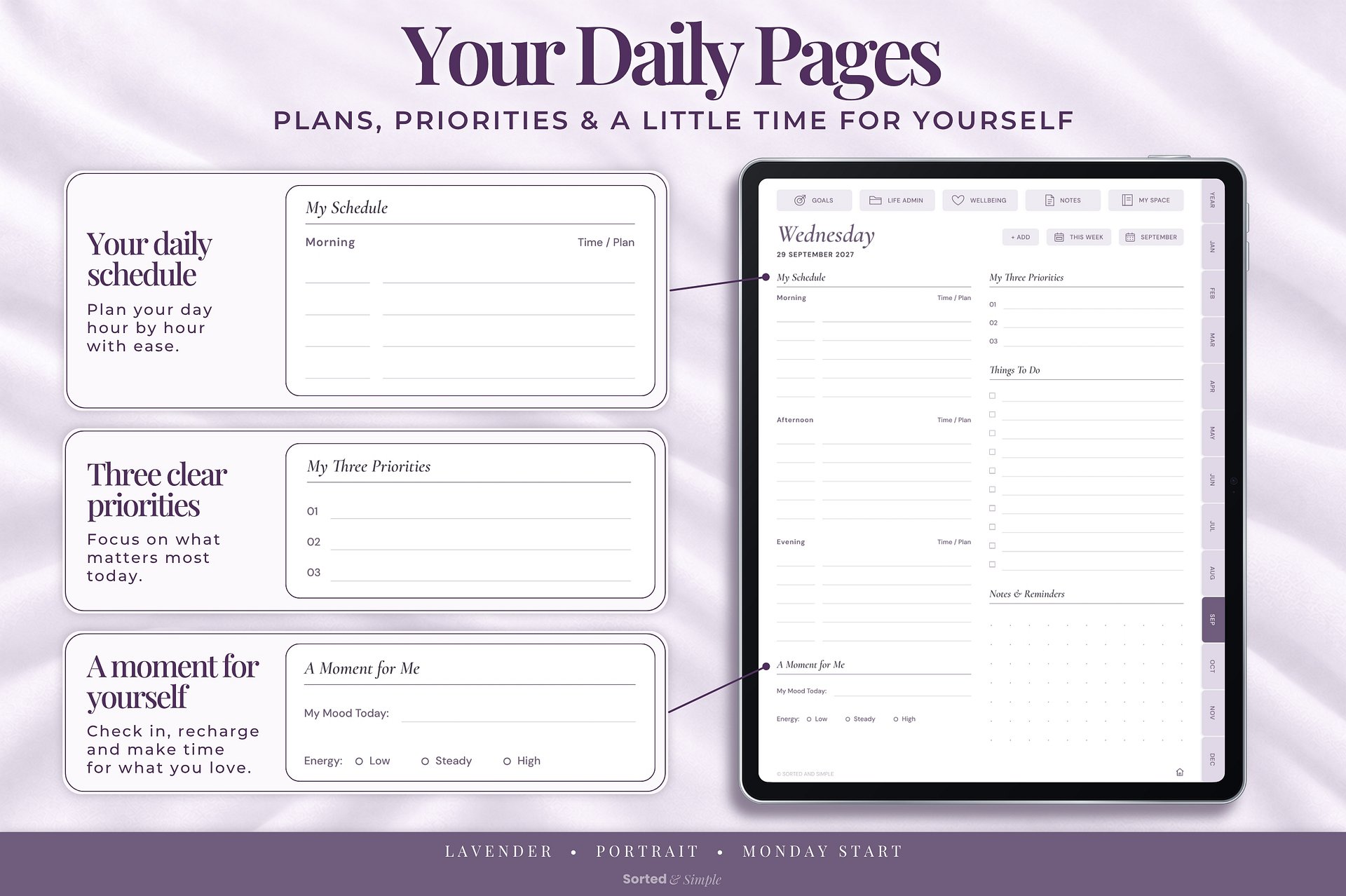
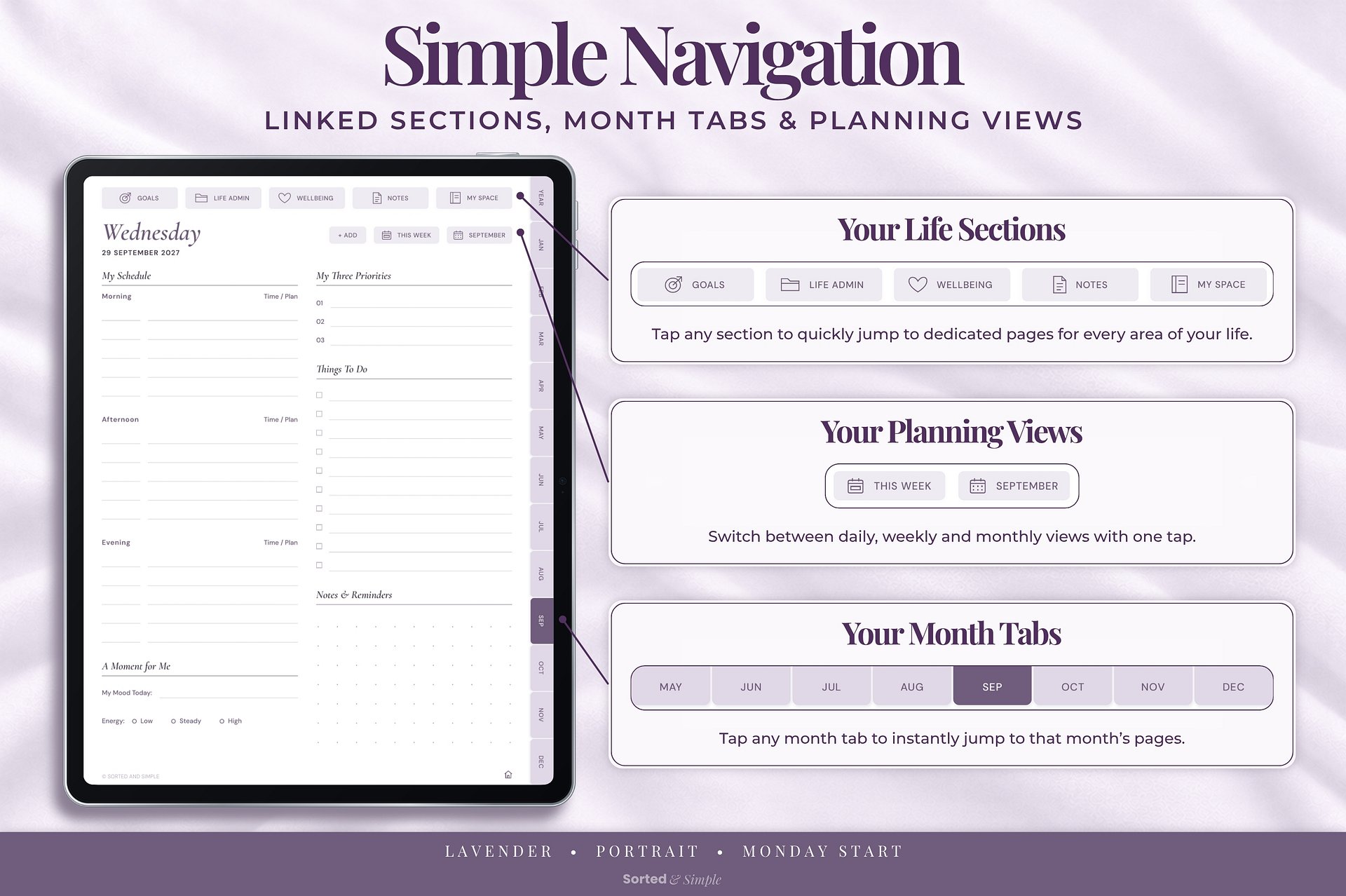
Plan your schedule, priorities and tasks in a calm, flexible space.
Plan your schedule, priorities and tasks in a calm, flexible space.
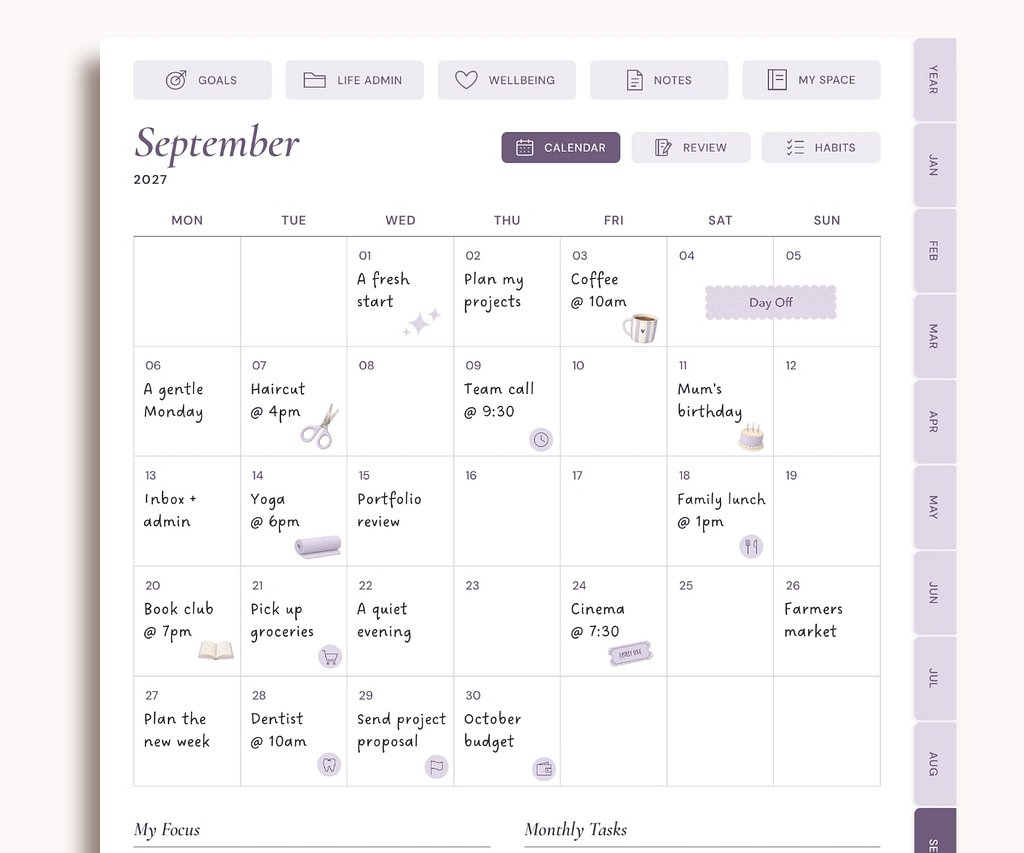
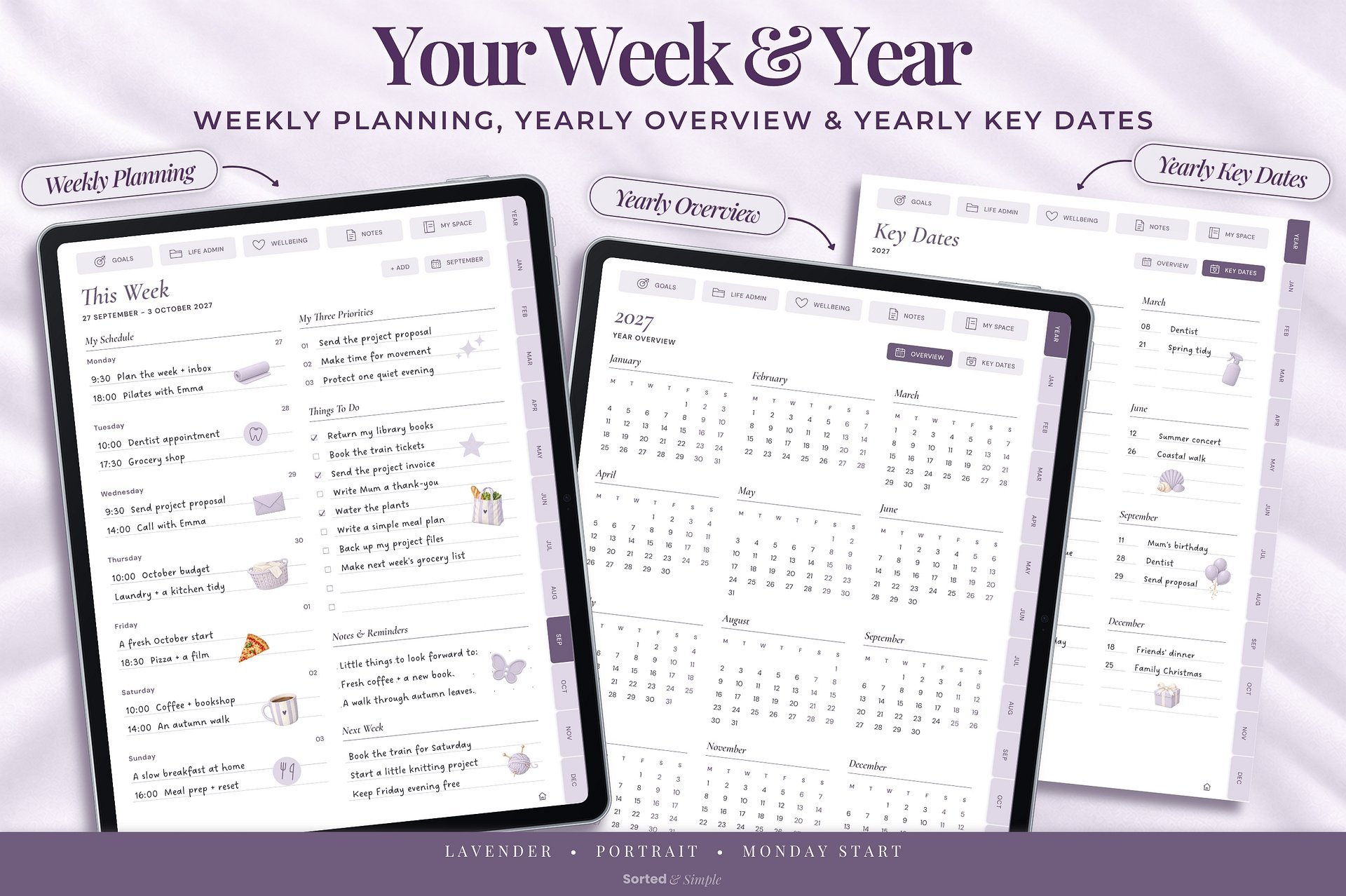
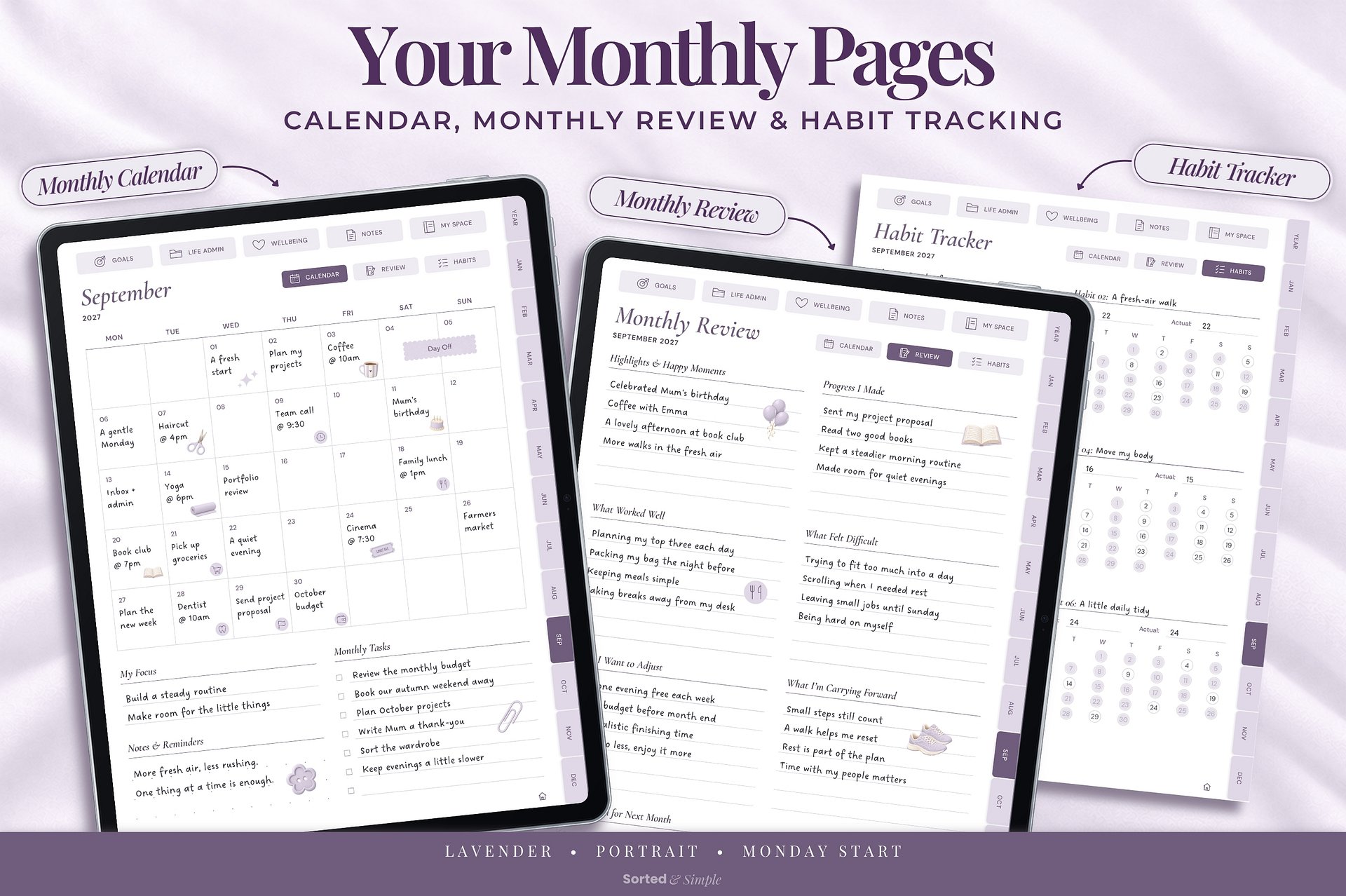
Keep track of key dates, plans and big picture goals at a glance.
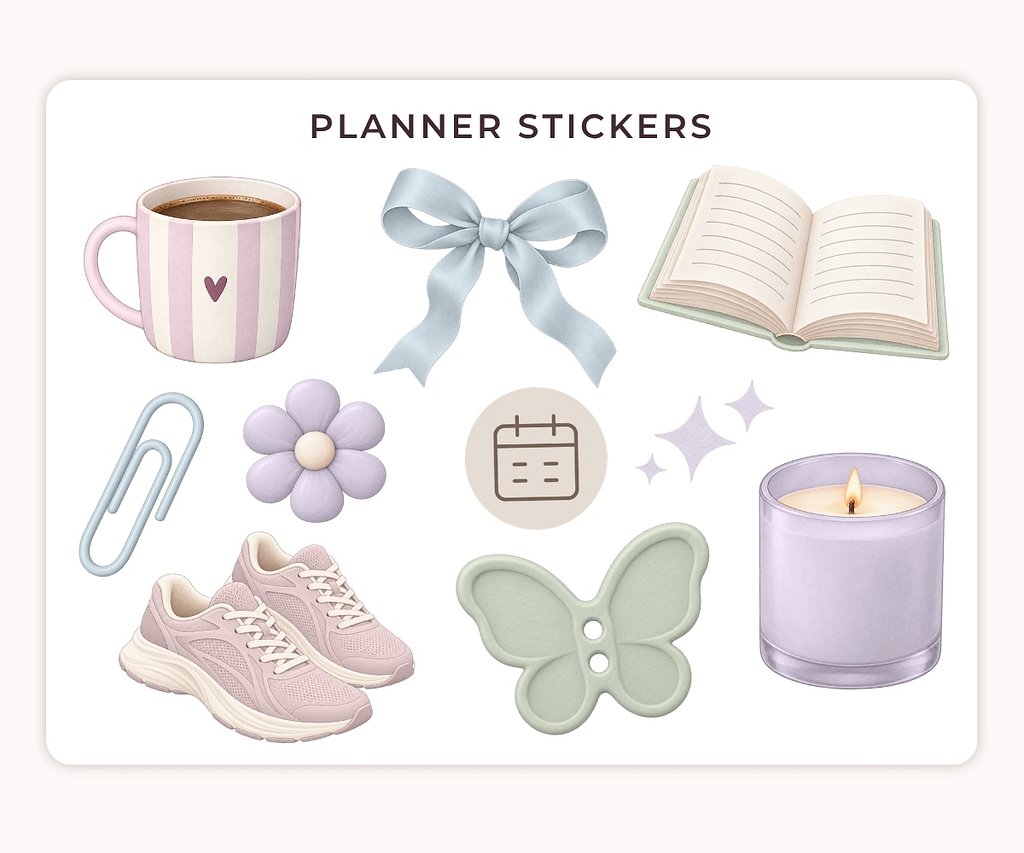
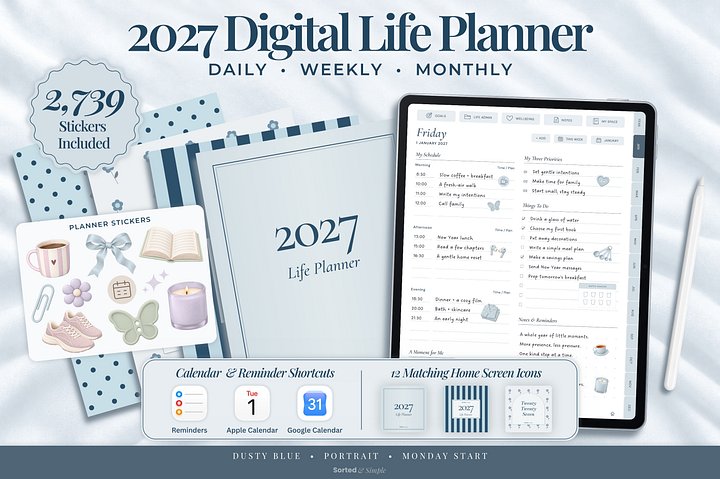
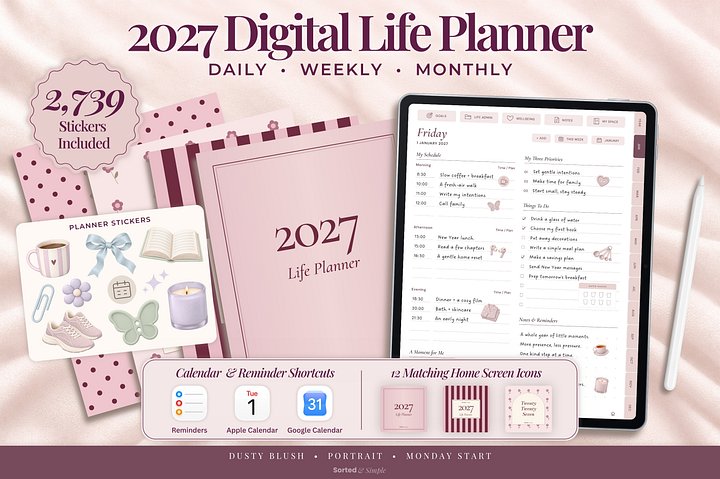
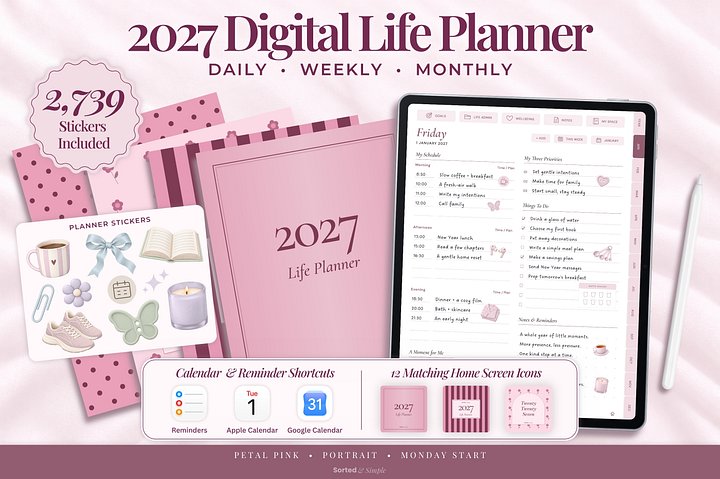
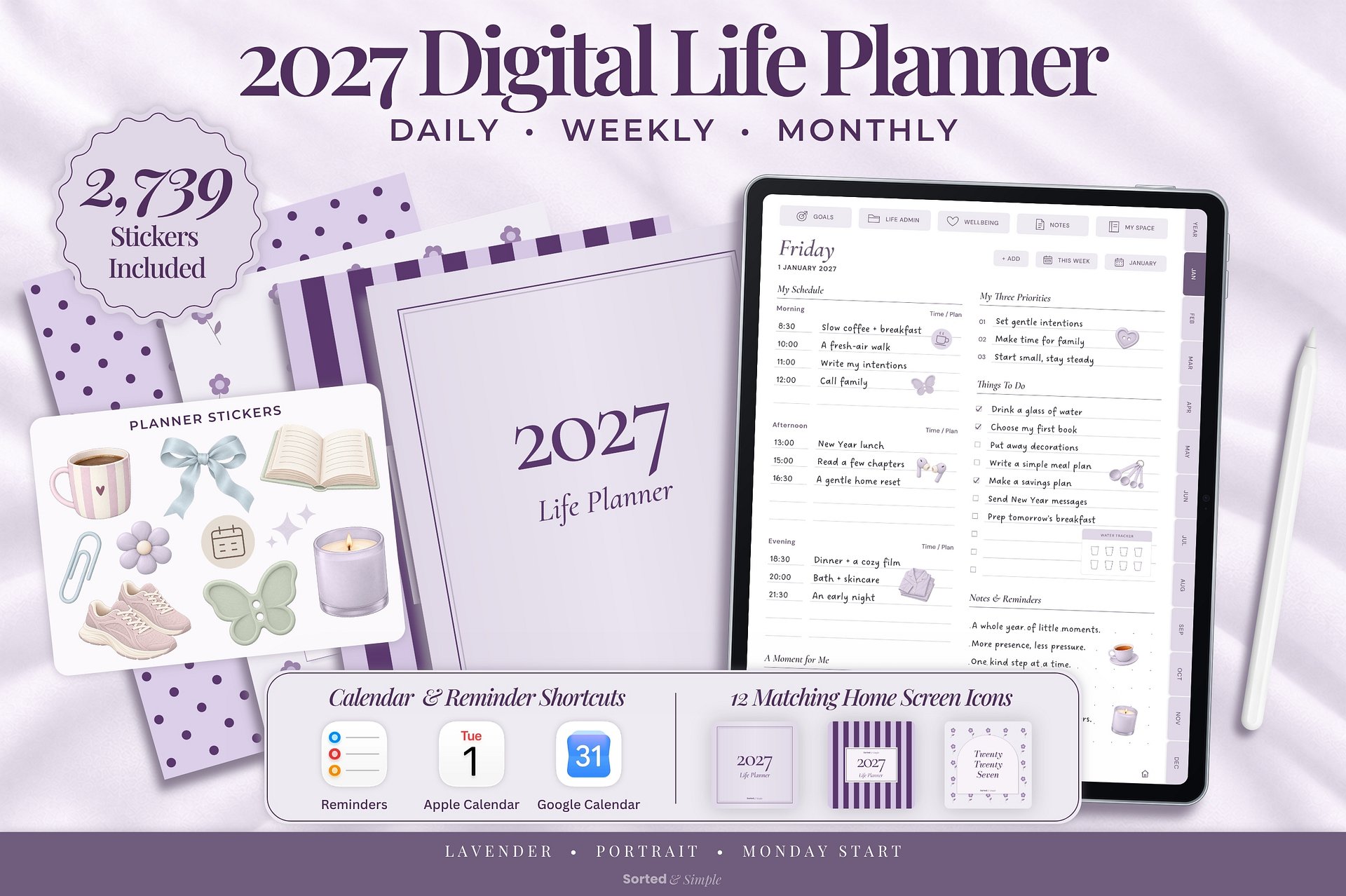
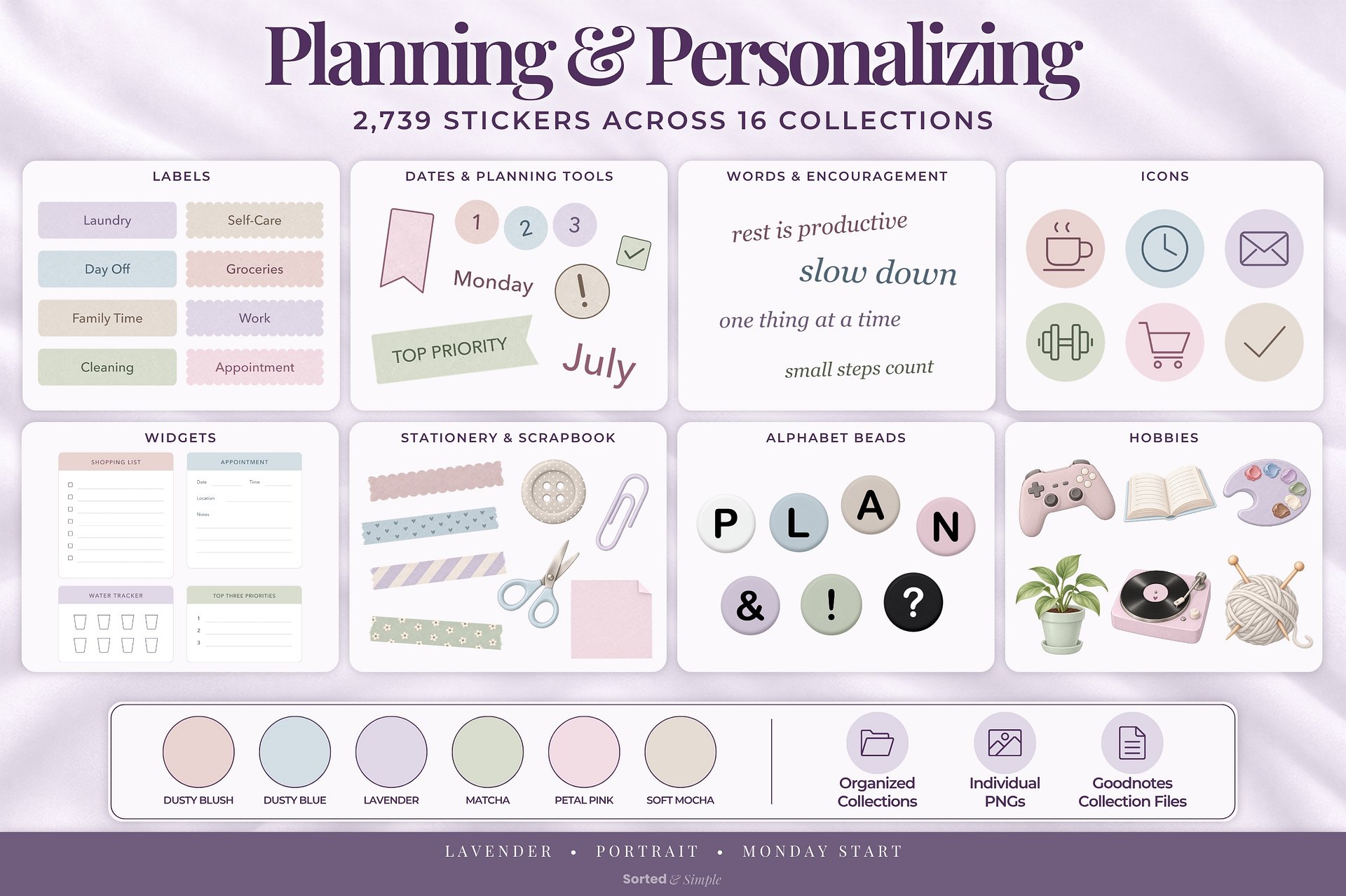
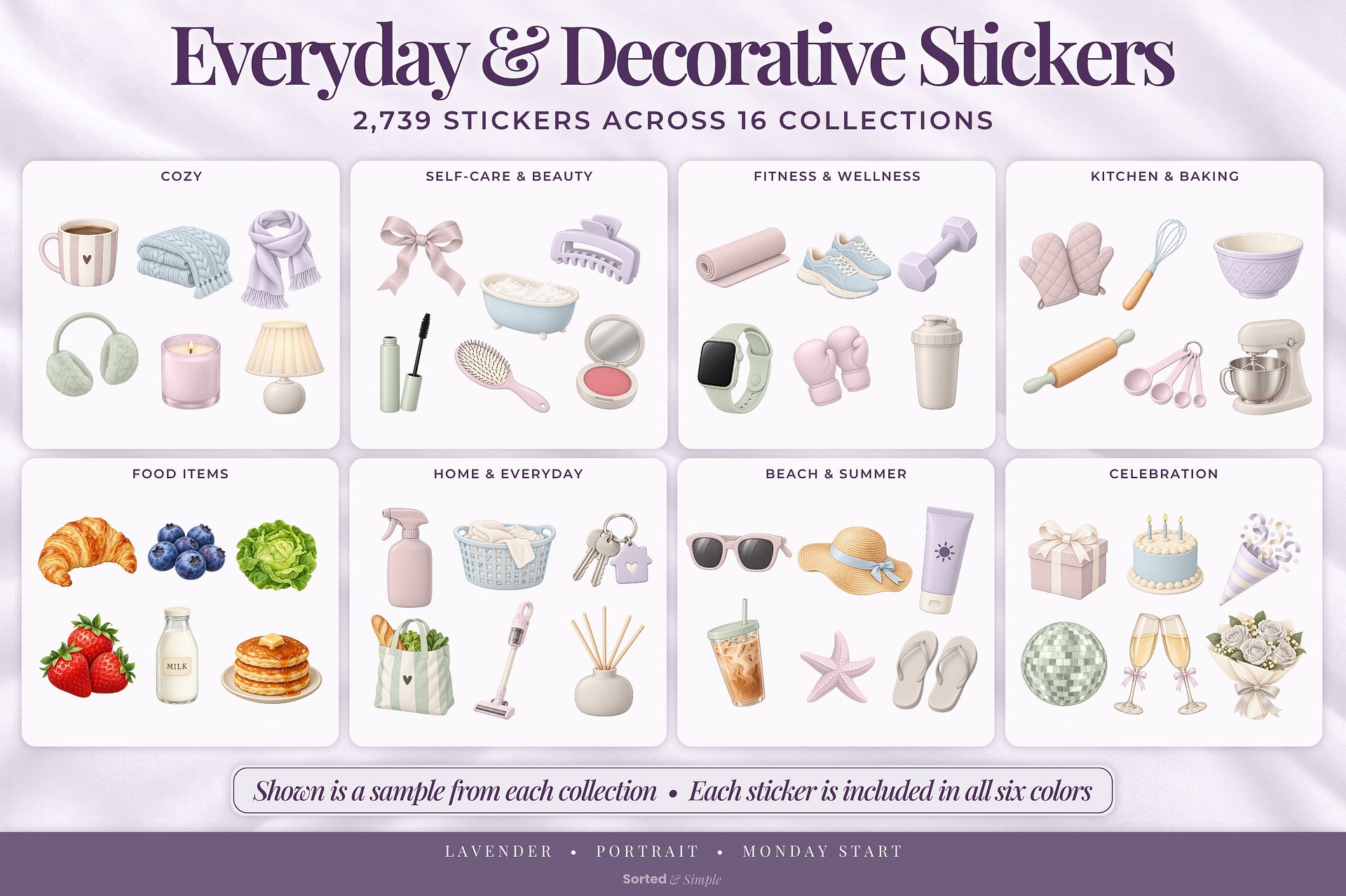
Add personality and function with a coordinating sticker set in six colors.
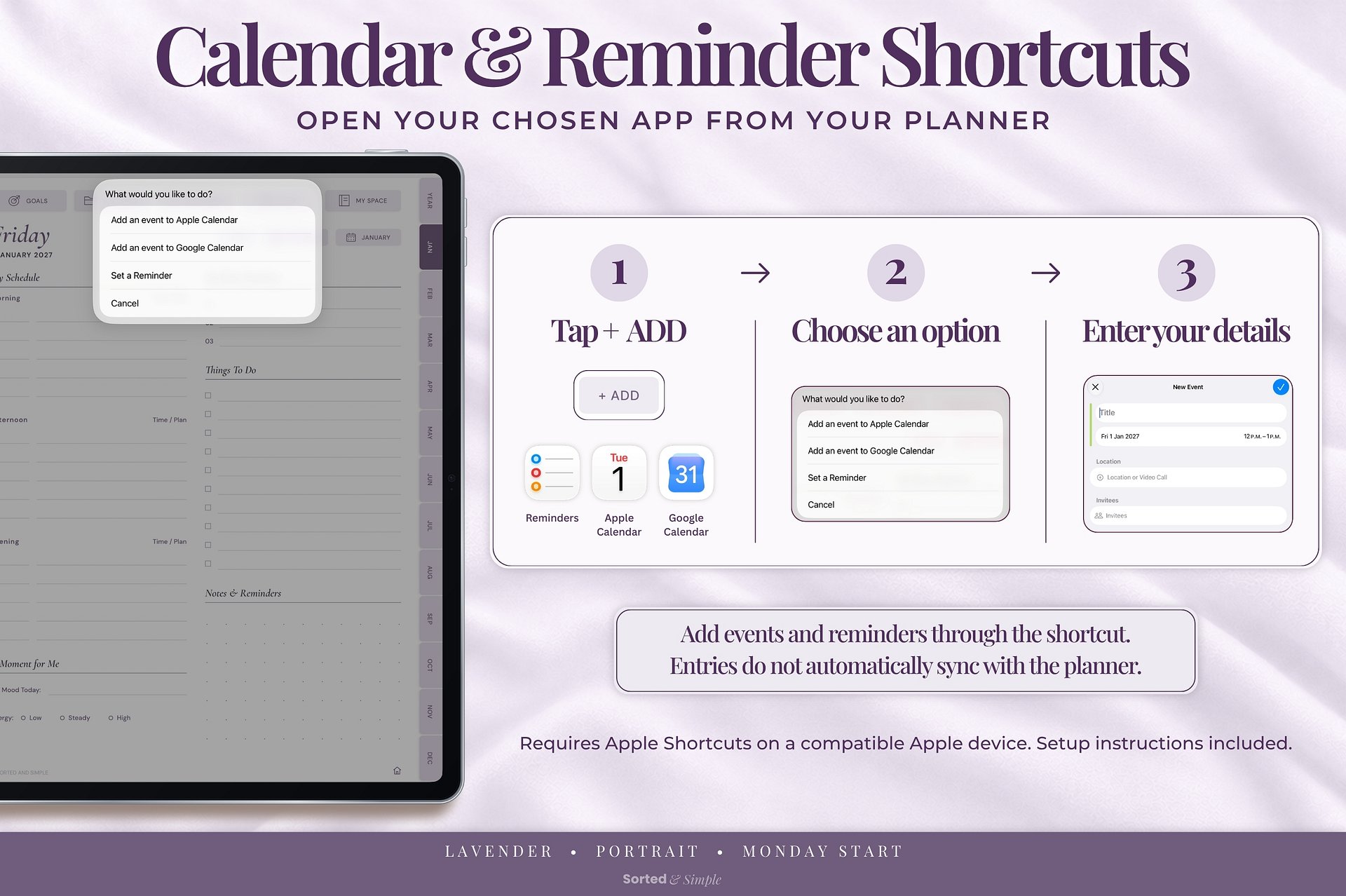
Optional calendar & reminder shortcuts for compatible Apple devices. Setup instructions included. Entries do not automatically sync with the planner.
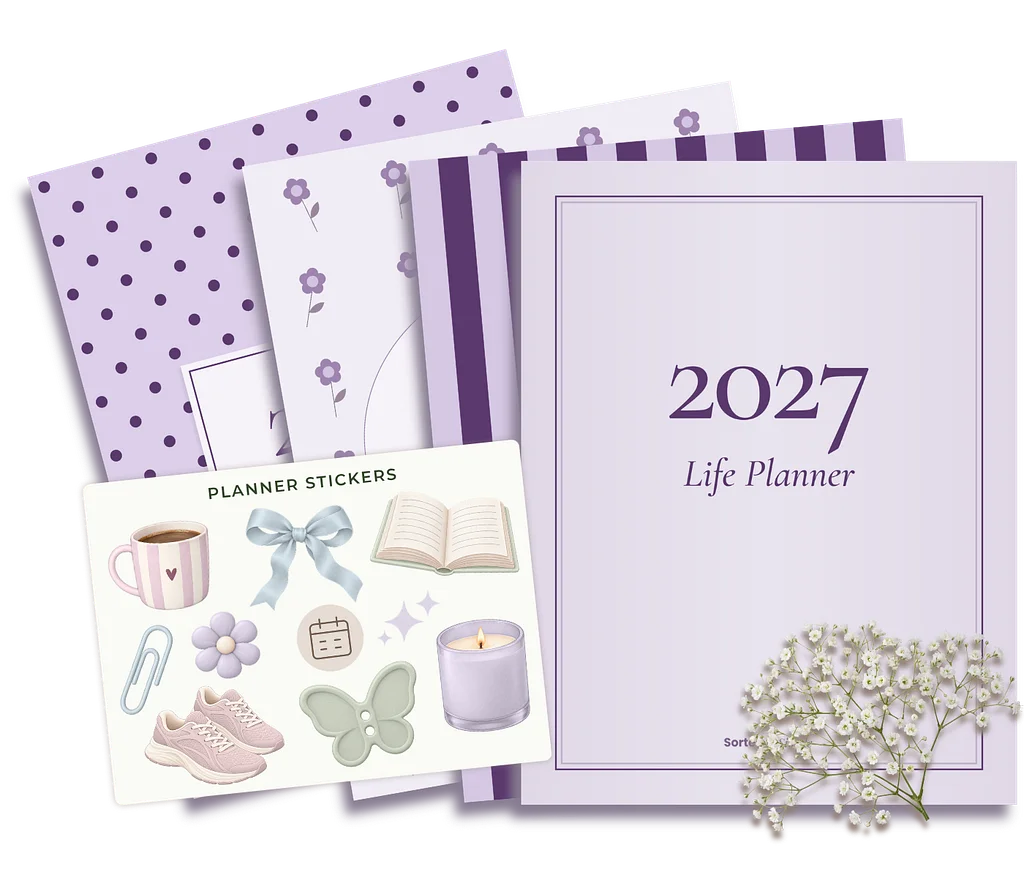
You’ll receive your 2027 planner PDF in the selected color and format, plus an Instructions & Extras guide.
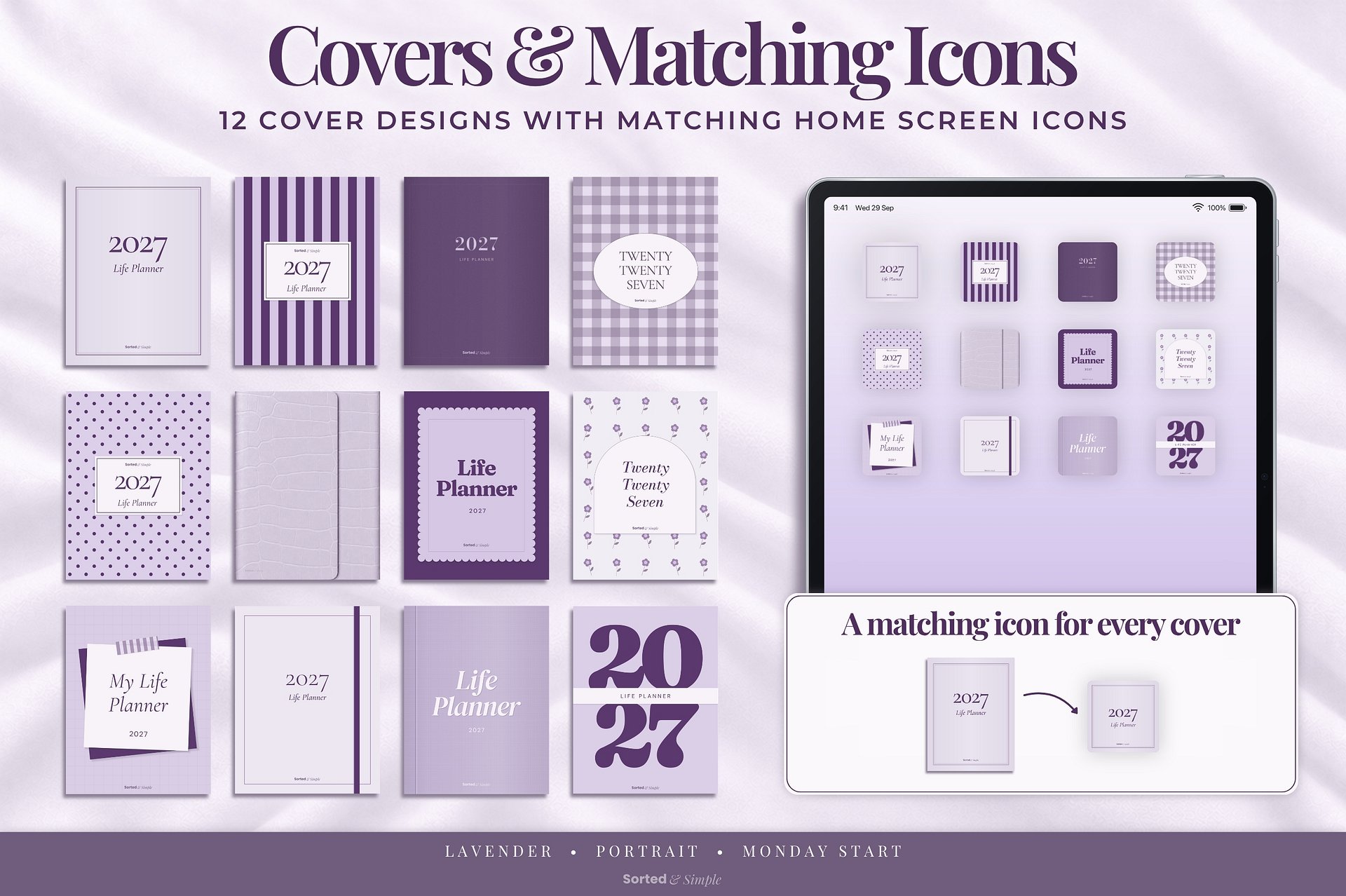
The guide links to your Planner Extras Hub, where you can download 12 matching covers, 12 matching home screen icons, and 2,739 digital stickers across 16 collections. All six sticker colors are included.
Internet access is required to access the Planner Extras Hub and download your extras.
This is a digital download. No physical product will be shipped.
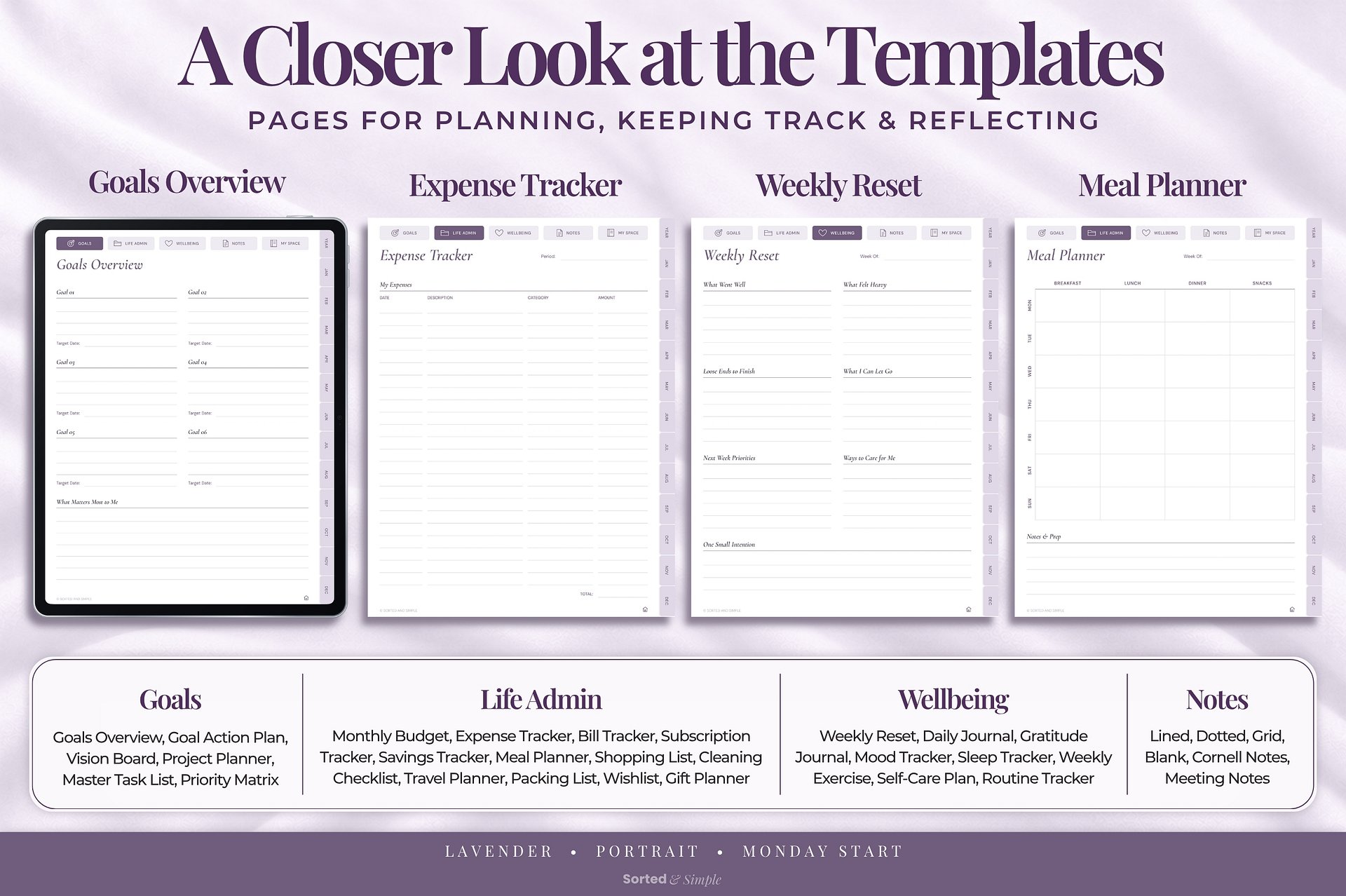
Browse the product gallery to take a closer look at example pages and templates.
Choose from 12 covers in your selected planner color and decorate your pages with the included stickers. All six sticker colors are included.
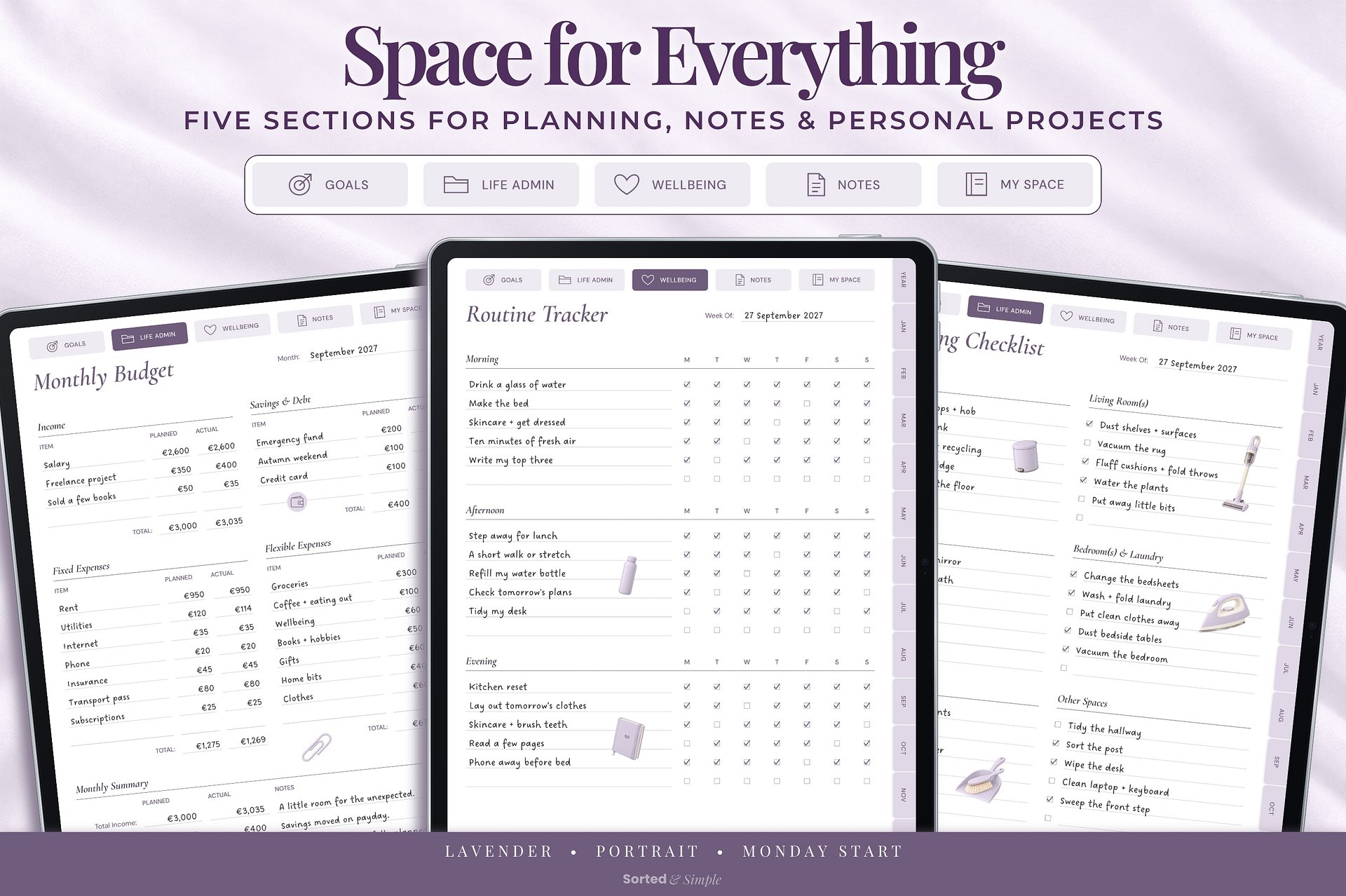
In My Space, name your 10 custom sections and copy your chosen templates after their dividers using your PDF annotation app.
The handwriting, completed entries, and sticker arrangements shown in the product images are demonstration examples. Your planner pages are supplied ready for you to fill in and personalize.
Use your planner with Goodnotes or a compatible PDF annotation app that supports hyperlinks. Your chosen app and device are purchased separately.
The optional calendar and reminder shortcuts require Apple Shortcuts on a compatible Apple device. They do not automatically sync entries with your planner.
Download your purchase files and unzip them if needed. Import the planner PDF into your chosen PDF annotation app.
Open the Instructions & Extras guide to access your Planner Extras Hub, download your extras, and follow the setup instructions.